




How AxioCNC Started
I began with Carbide Motion, but it didn't take long to run into its limits. I switched to cncjs and used it for years. It was reliable, but there were things about it that always bothered me: no native joystick support, a UI that made it easy to hit the wrong button on a touchscreen (I've crashed my machine more than once because Z-down is right next to X+), and, most importantly, it wasn't really being maintained anymore.
So I started looking for something better.
I tried a variety of other software and thought that a full-fledged Windows app would give me the richness I was looking for - joystick support, responsive UI, and a more modern interface. What I found was that many of the apps I tried would crash, weren't intuitive, and I really missed the ability to have a browser-based UI that I could have open at my main computer in my office.
In the end I went back to cncjs with the intention of fixing what bothered me. When I realized fixes weren't really being accepted upstream, I forked it. What started as a few small changes has grown into something that now looks and behaves like a different application.
My focus has been on two things: keeping the stability cncjs is known for, and improving how it actually feels to use the software in a shop.
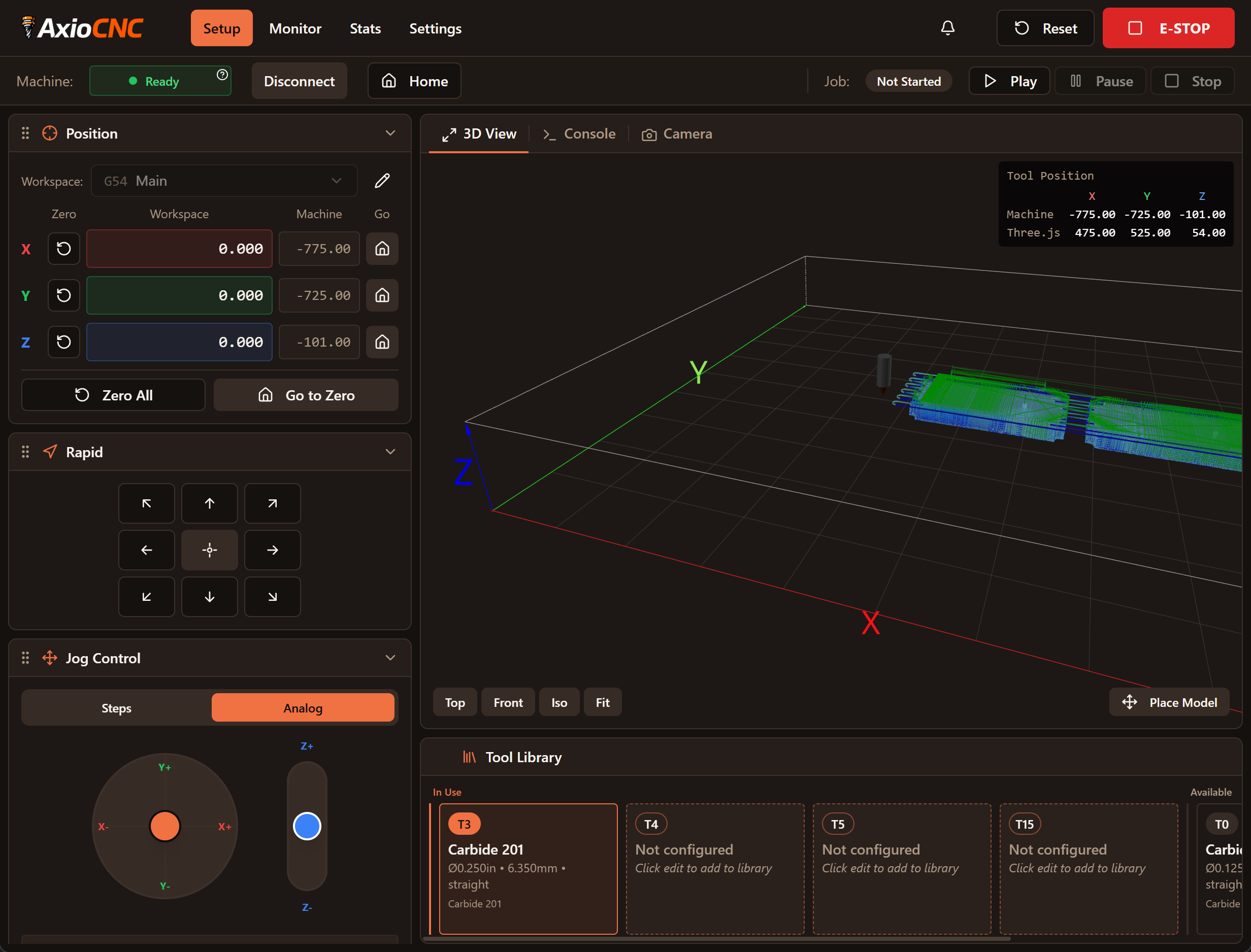
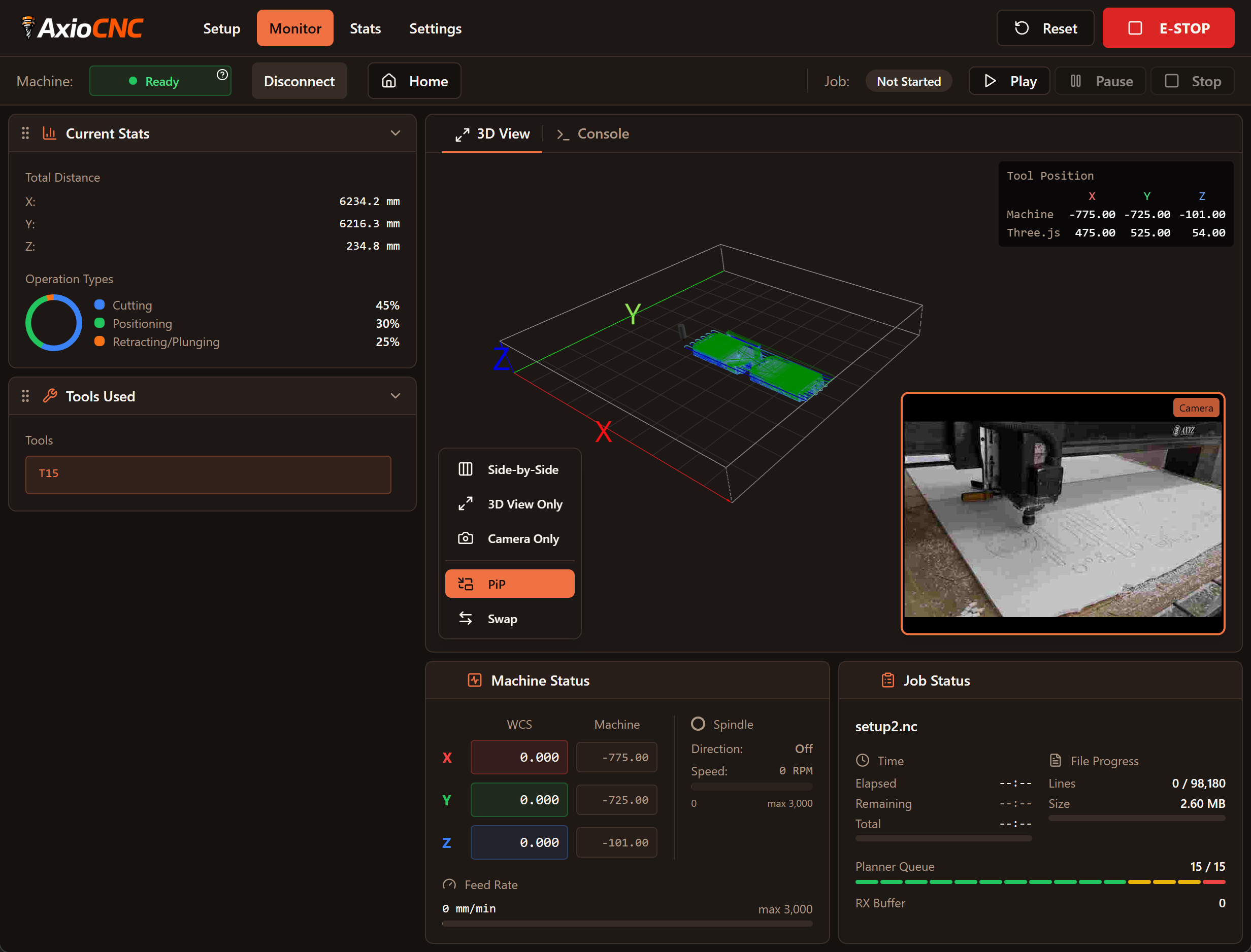
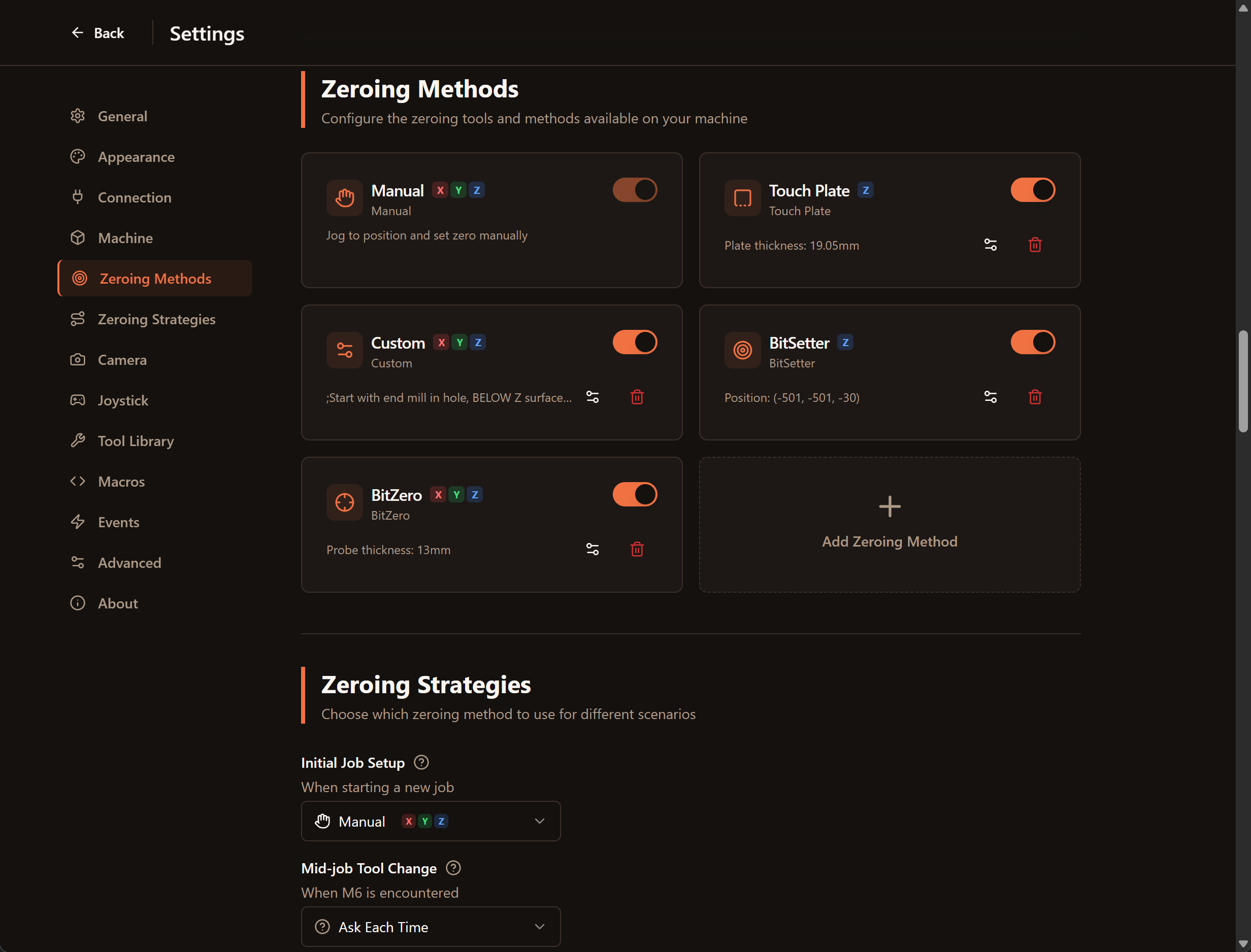
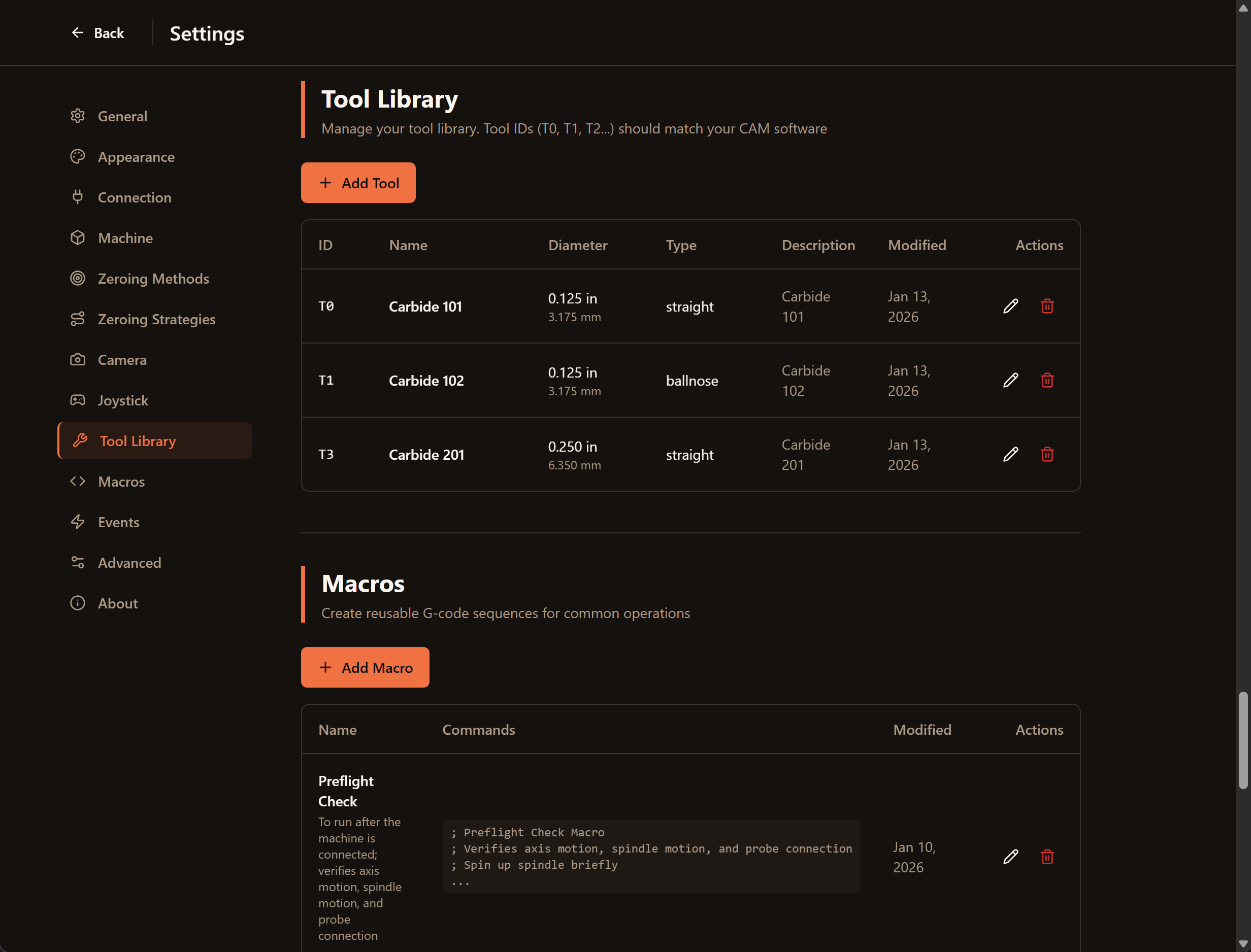
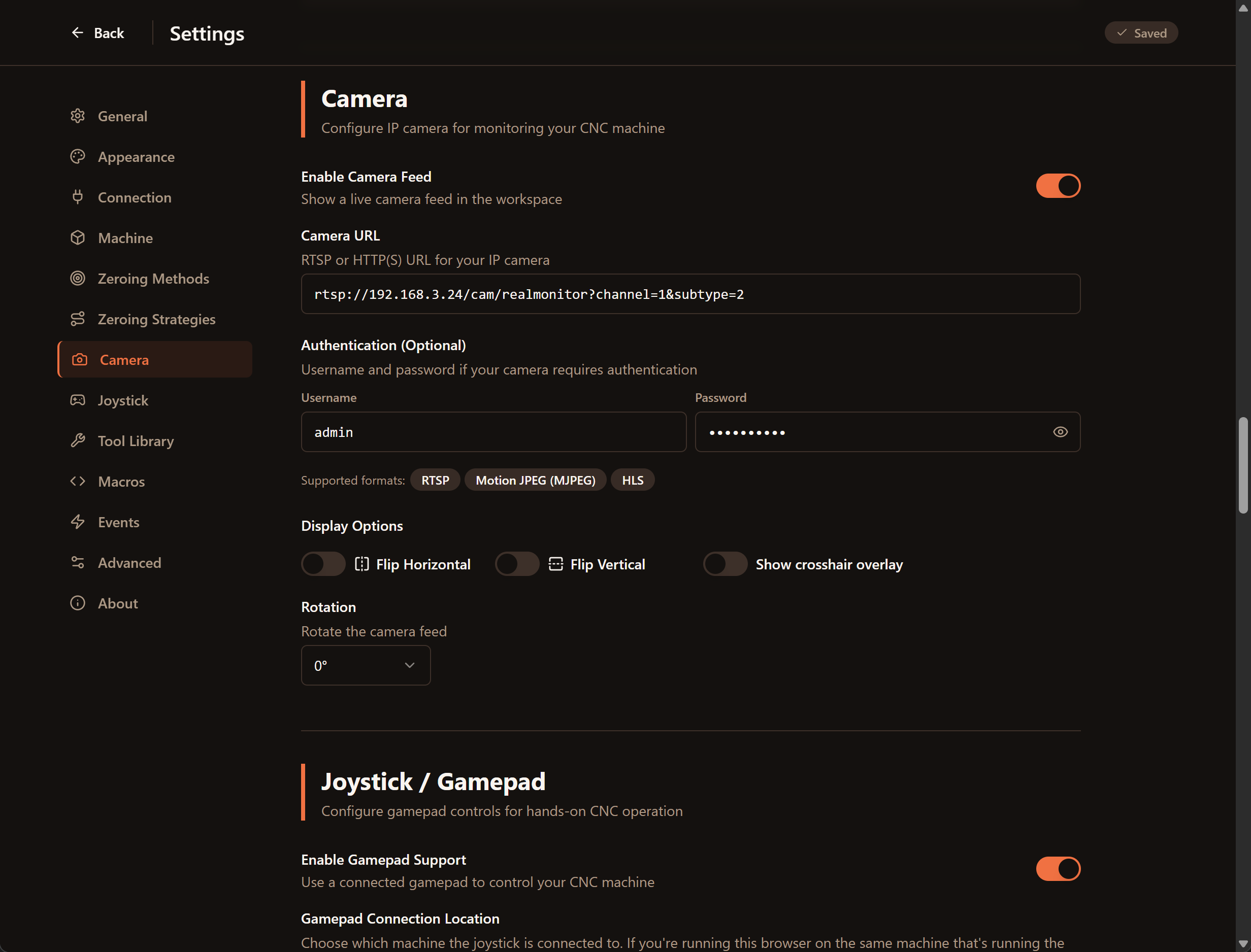
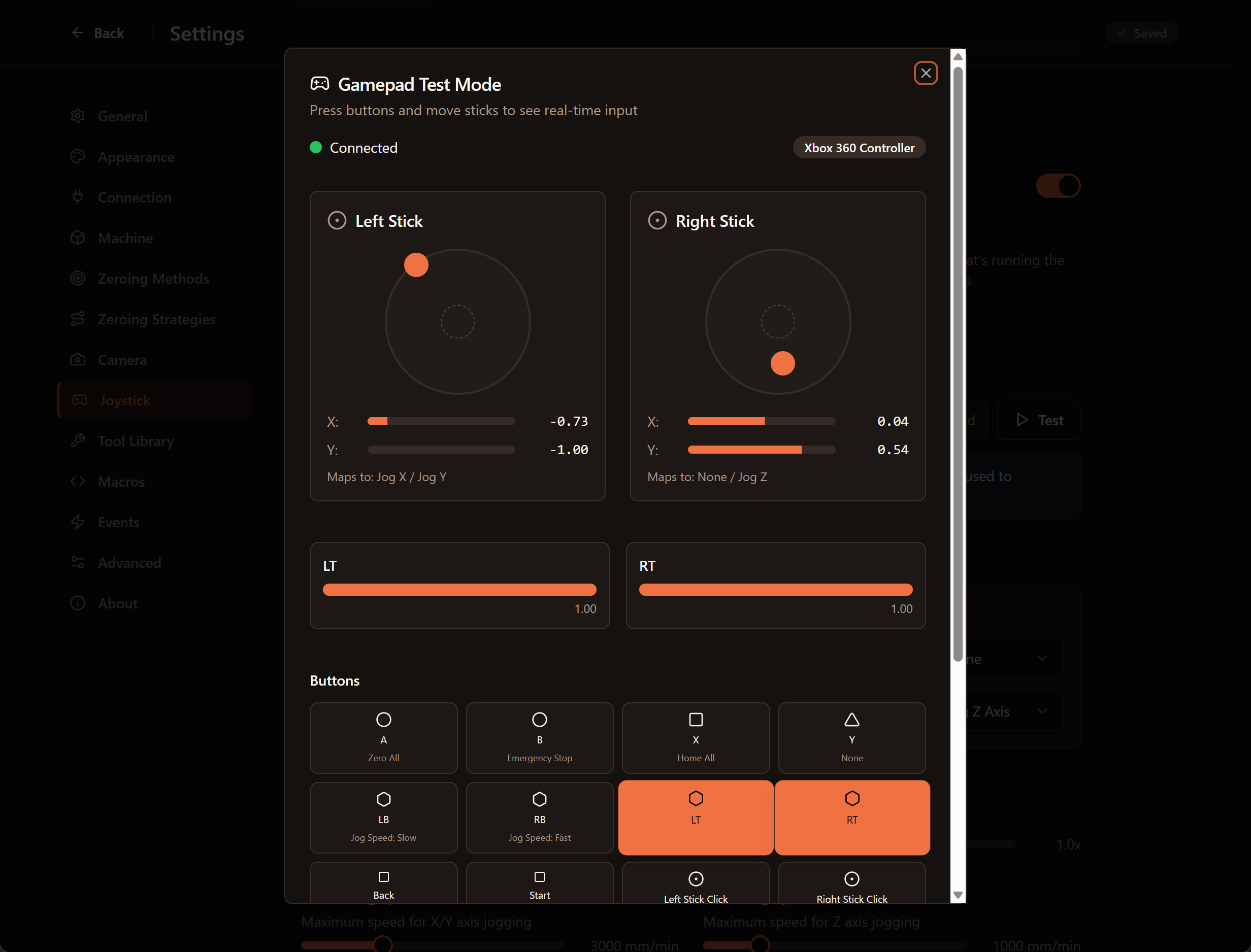
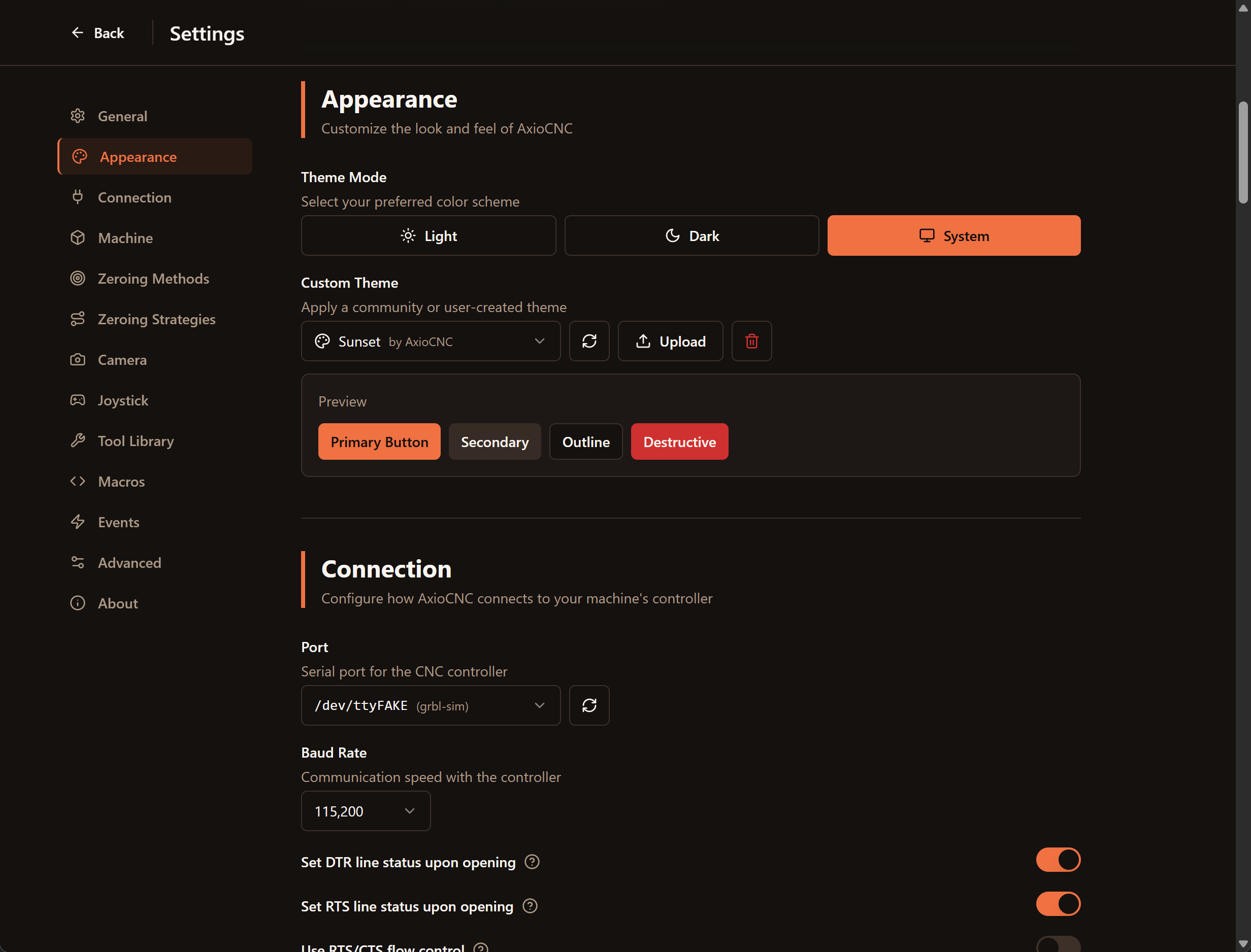
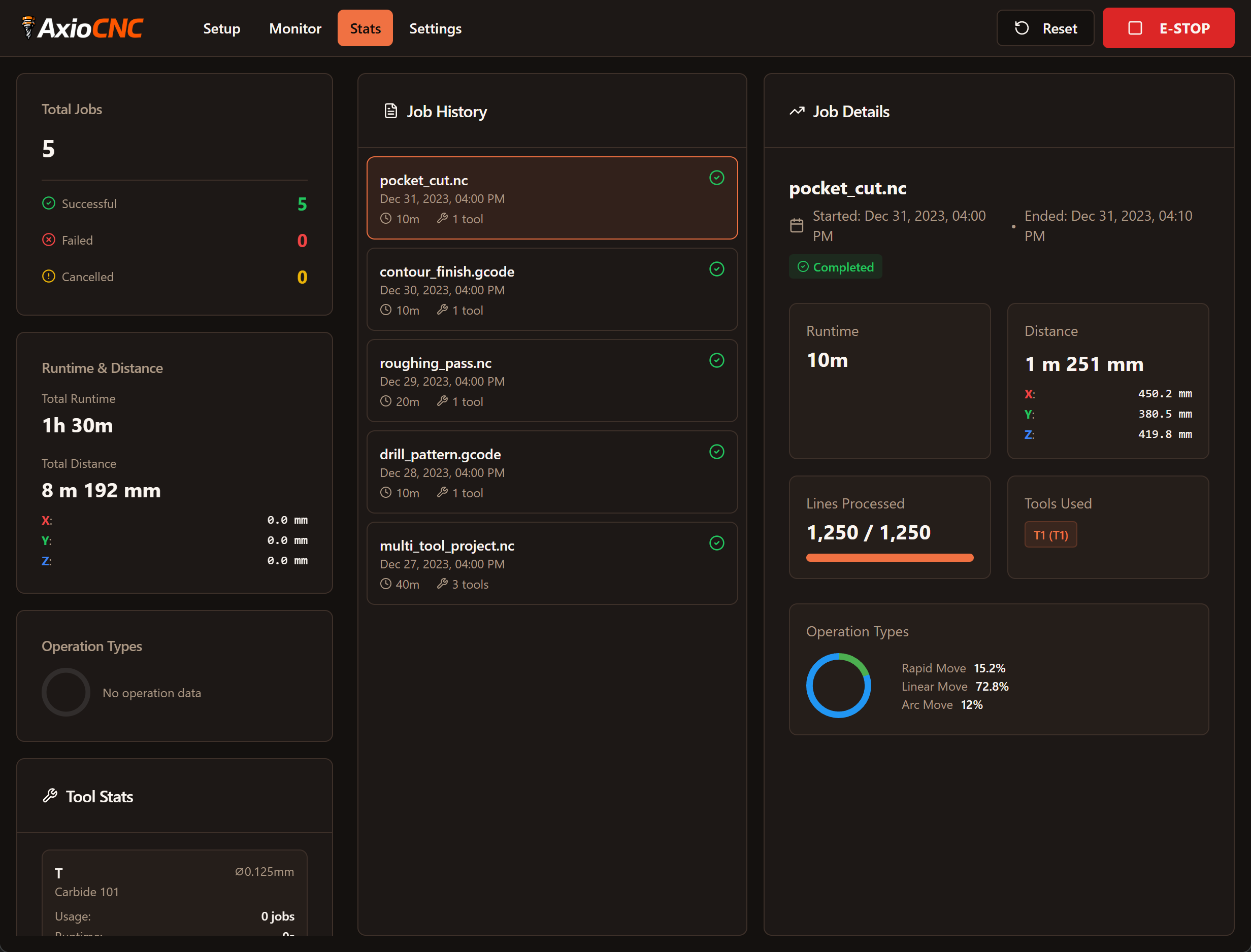
AxioCNC is built around real workflows. You can model and upload jobs from your main computer, run setup and cutting from the shop, and keep an eye on progress from somewhere quieter if you want. The interface is simpler, with a lot of half-finished or rarely used features removed, but it adds things I actually missed: native joystick support, continuous analog jogging in both the UI and on a controller, built-in camera support, a tool library, a modern 3D view with project outlines and zeroing aids, light and dark themes, and a task-based dashboard that helps you focus on what matters during setup, cutting, and review.