
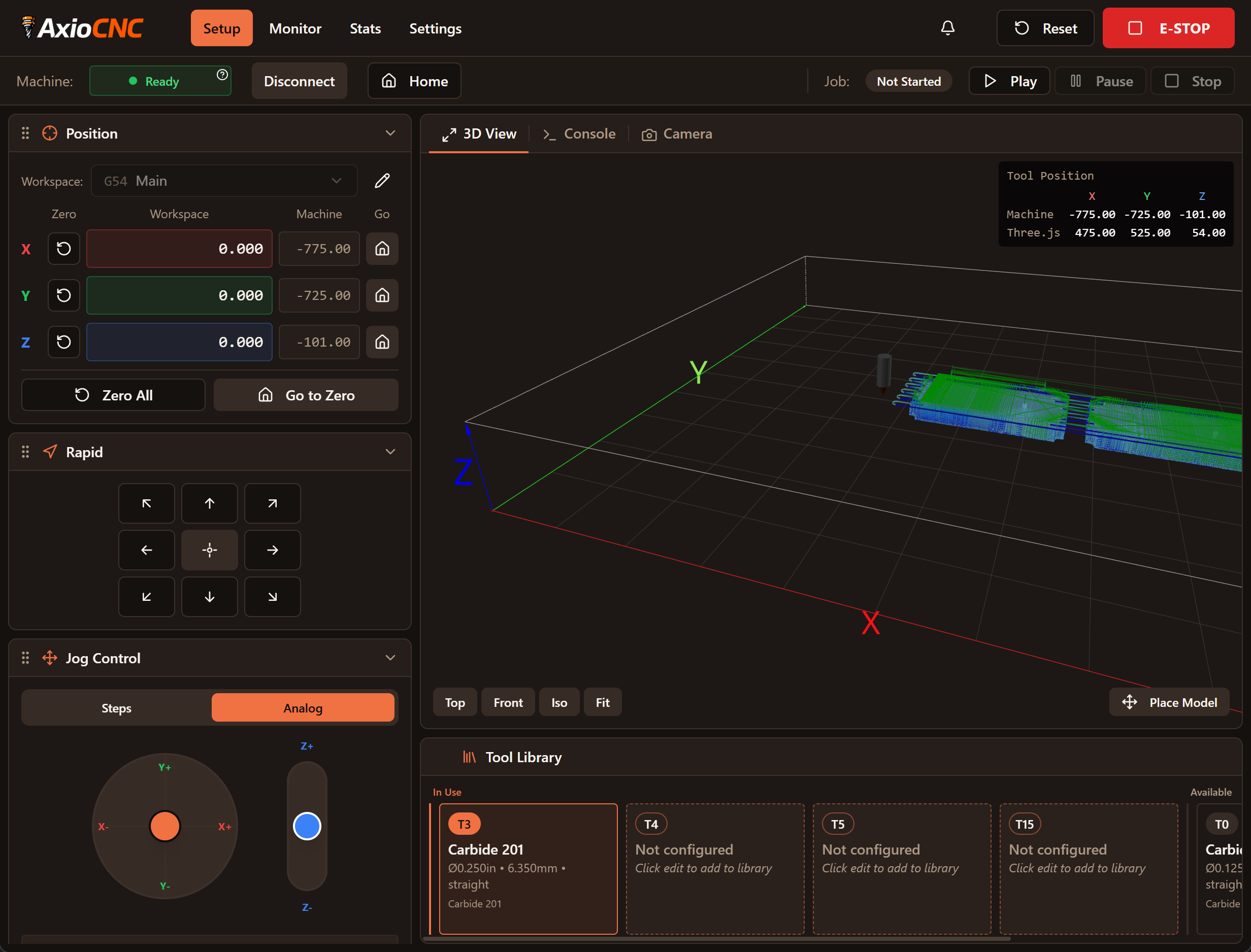
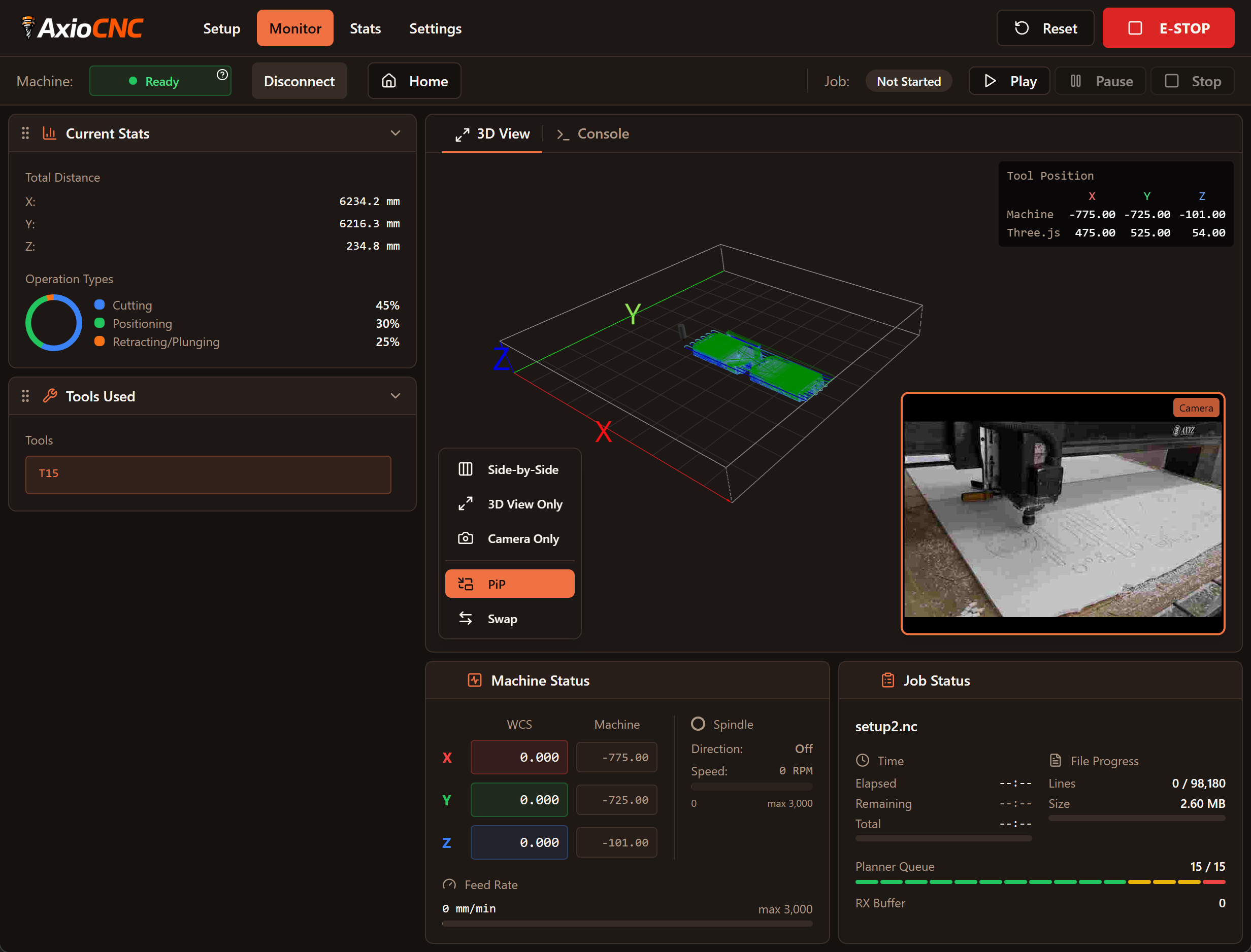
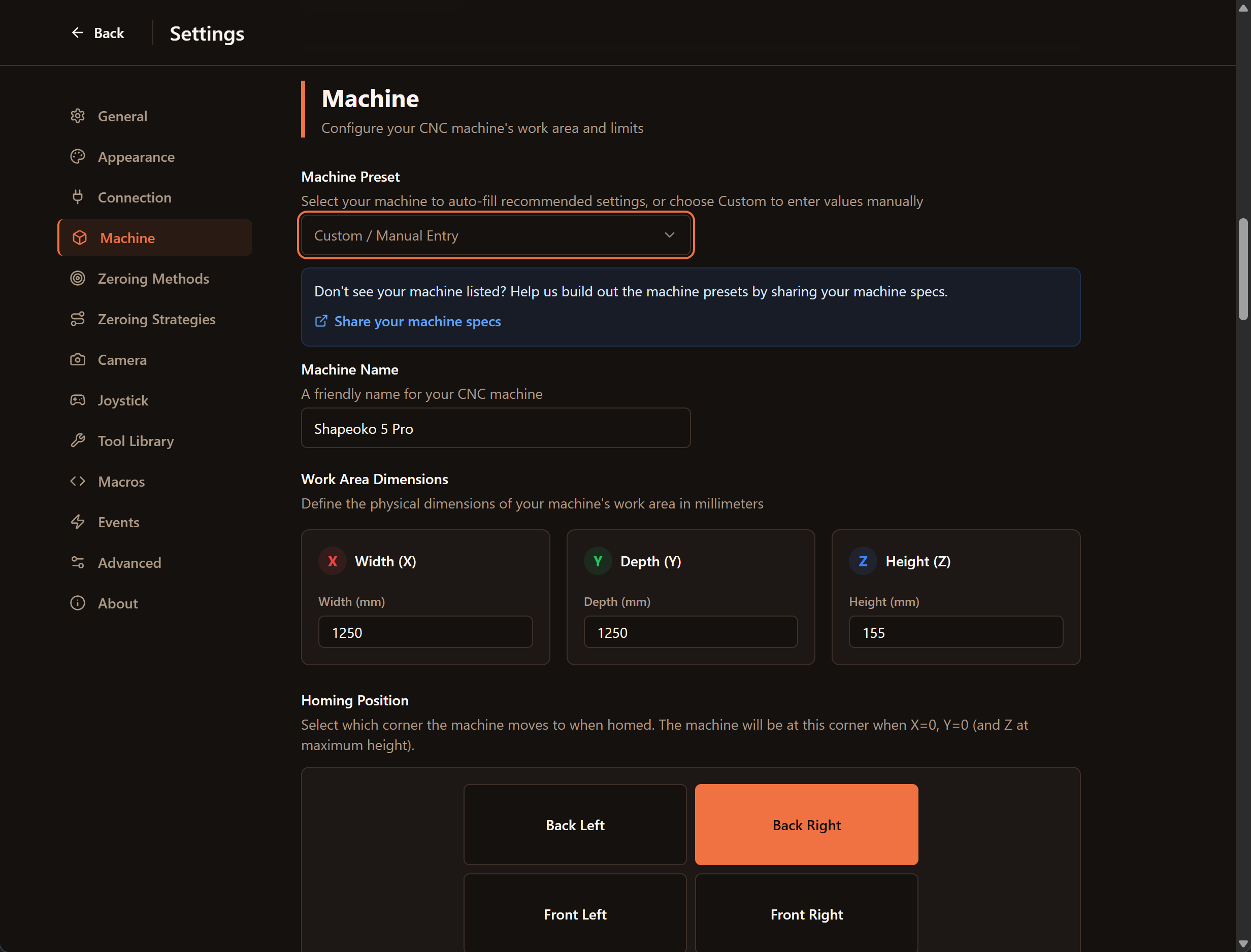
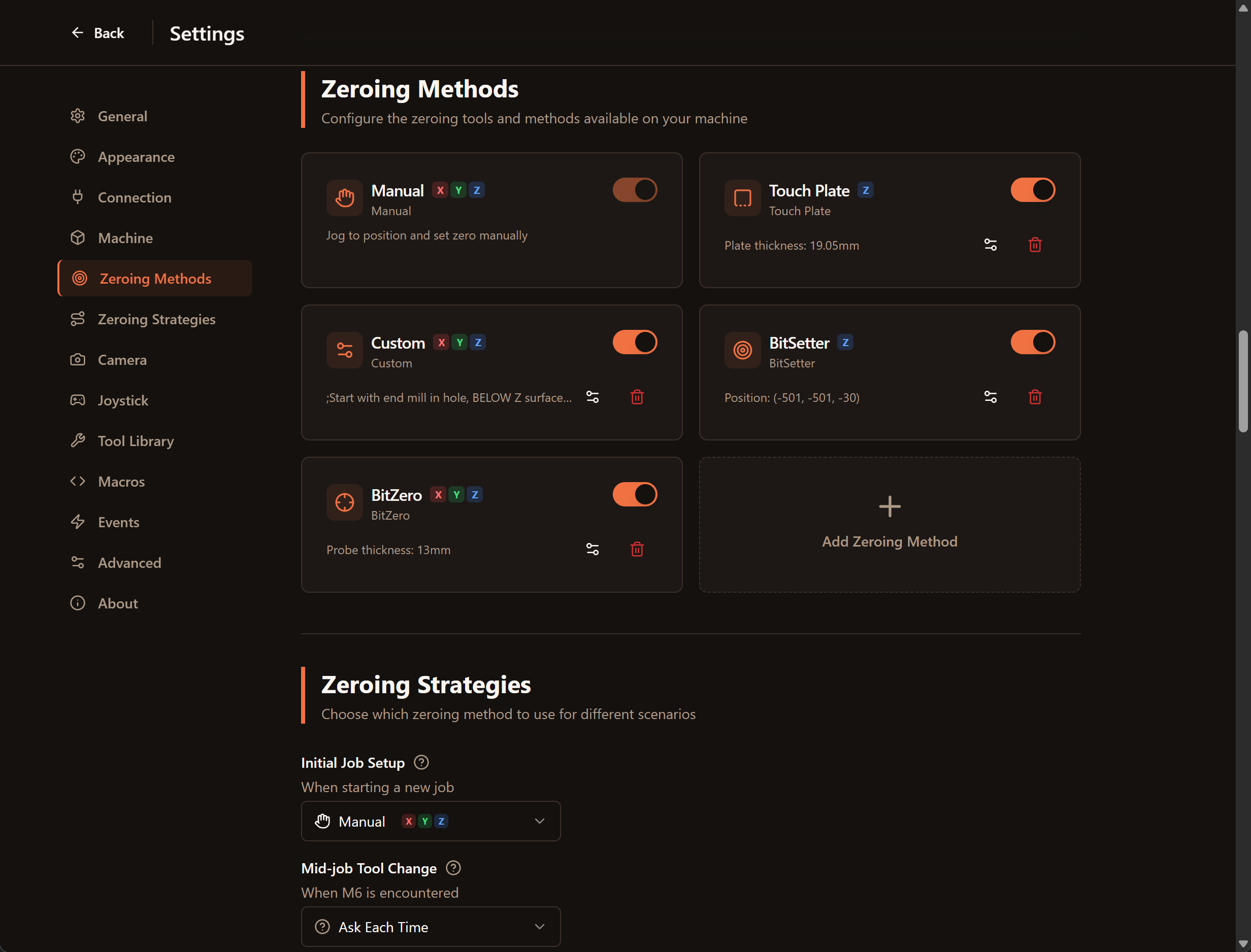
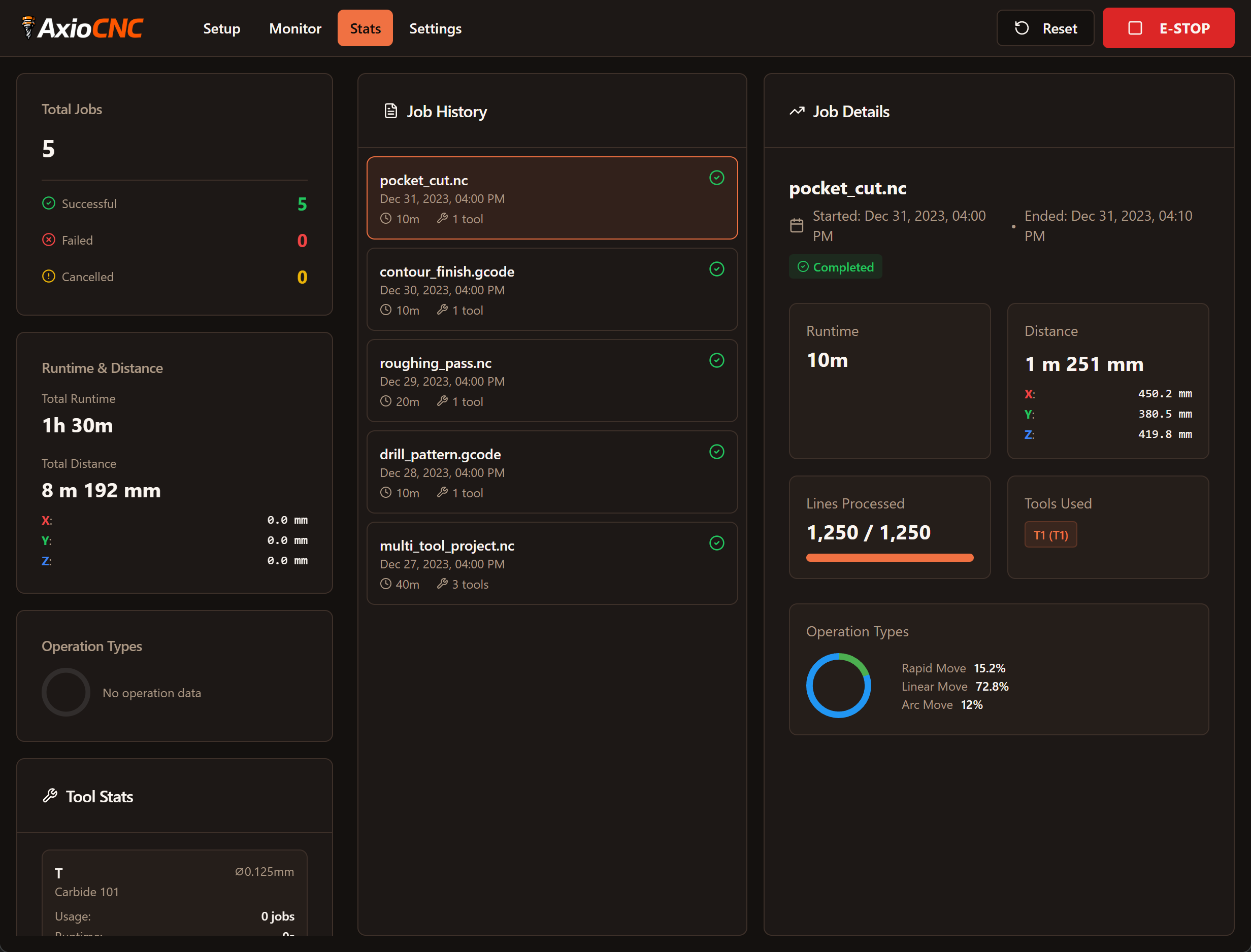



AxioCNC Interface

G-Code Sender That
Built for Stable, Predictable Runs

AxioCNC is built on a proven cncjs server foundation and focuses on stable, predictable job execution. It's designed to reduce surprises during long cuts. Control your machine from any computer, tablet, or phone on your network.

What You Get

AxioCNC solves the problems that crash machines and waste workpieces.

Stability-first Design

AxioCNC is built on the cncjs server architecture and prioritizes stability during long jobs. The goal is predictable behavior in the shop, without unnecessary surprises.

You Won't Hit Wrong Buttons

Controls are spaced so you don't accidentally tap the wrong button on a touchscreen. No more crashes from hitting "Z down" when you meant "X+". The interface is designed to prevent costly mistakes.

Works Across Your Network

Design on your main computer. Upload and start jobs from your workshop tablet. Monitor progress from your office. One server, accessible from anywhere on your network. No need to stay in the shop.

Modern, Themeable Interface

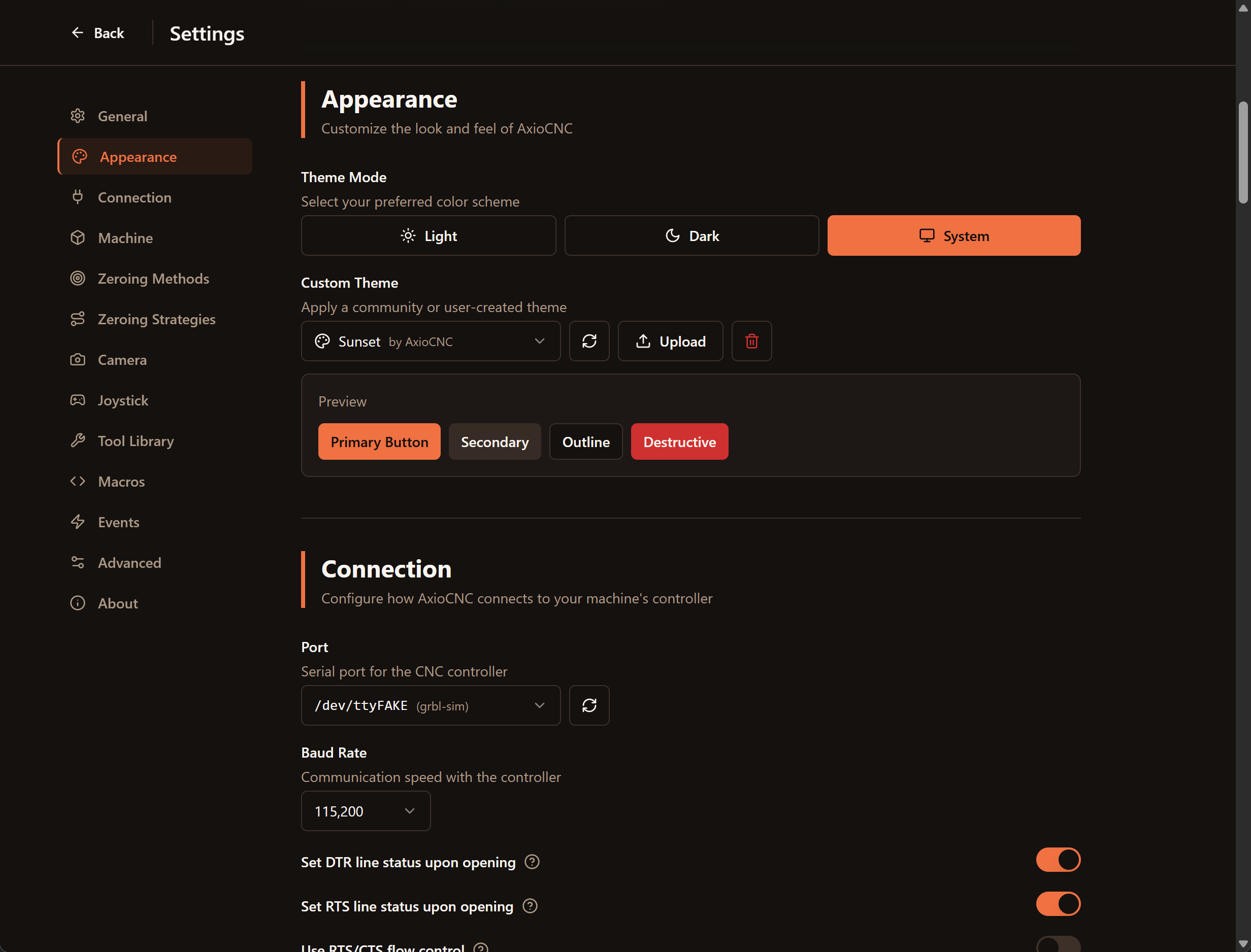
A task-oriented UI that adapts to your workflow. Light and dark themes for comfortable long sessions. The interface focuses on what matters during setup, cutting, and review—without the clutter.

Use a Joystick

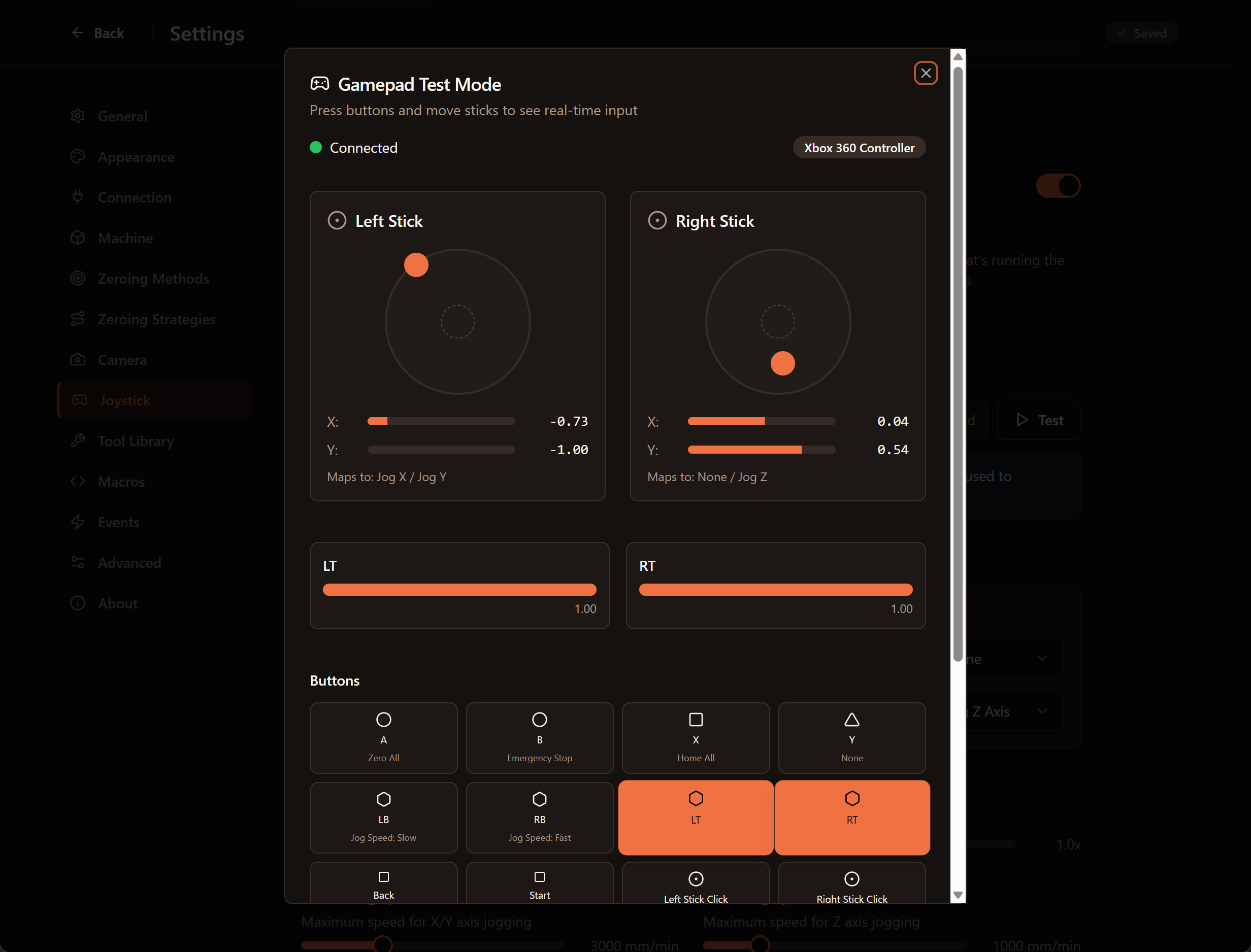
Plug in any USB gamepad or joystick and jog your machine smoothly. Analog control for precise positioning. No more awkward arrow key controls.

Know Which Tool to Grab

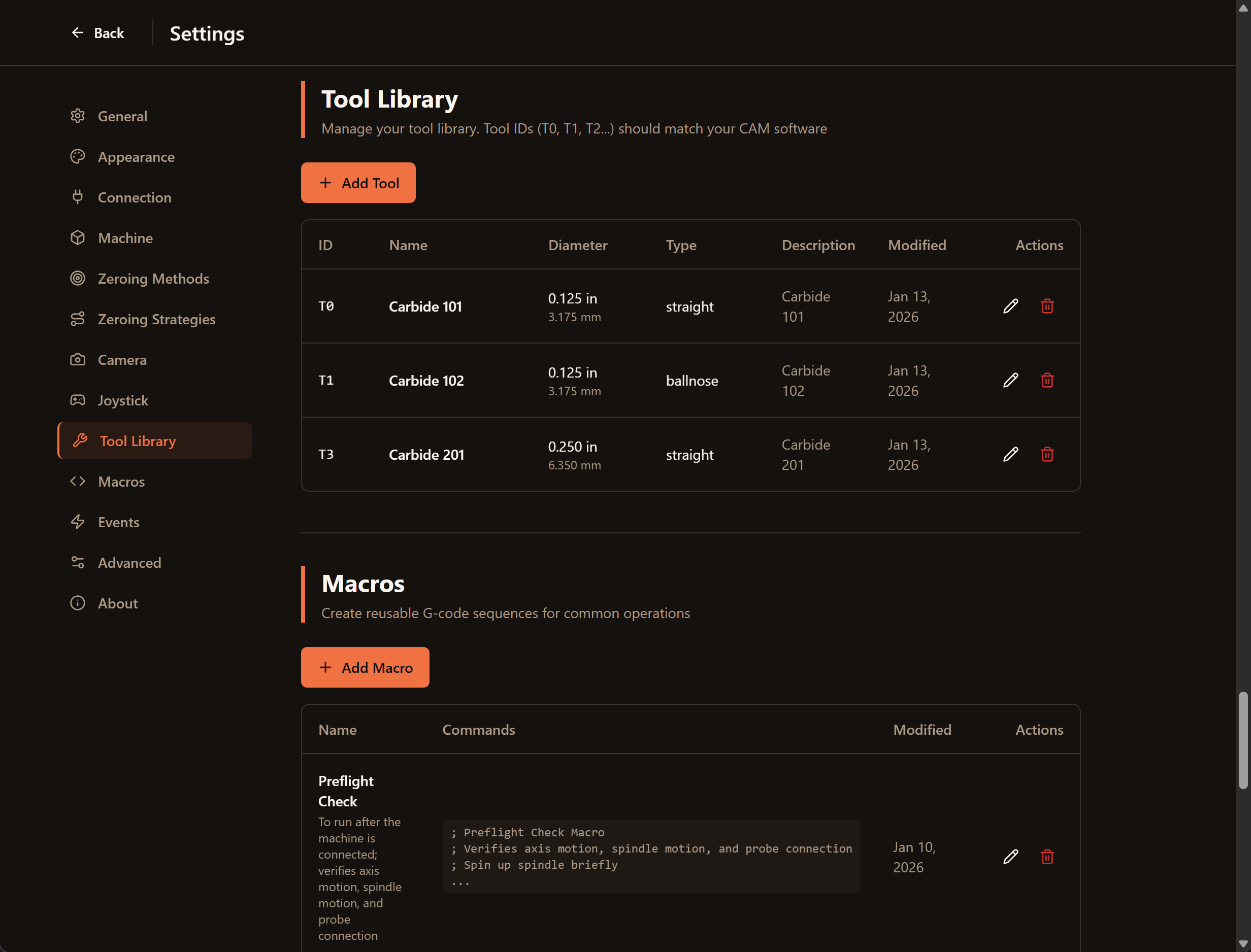
Instead of "T4", see "1/4 inch flat endmill". The tool library shows tool names, diameters, and types. You know exactly which tool to pull from your toolbox.

How It Works

One server connects to your machine. Access it from any device on your network.

1

Install Once

Install AxioCNC on one computer connected to your CNC machine via USB or serial port.

2

Access from Anywhere

Open a web browser on any device on your network. No extra software needed on other computers.

3

Work Your Way

Upload files from your design computer. Setup and jog from your workshop tablet. Monitor from your office.

What's Included

Native joystick/gamepad support

Analog continuous jogging

Modern UI

Clean, intuitive interface design

Tool library

Human-readable tool names and specs

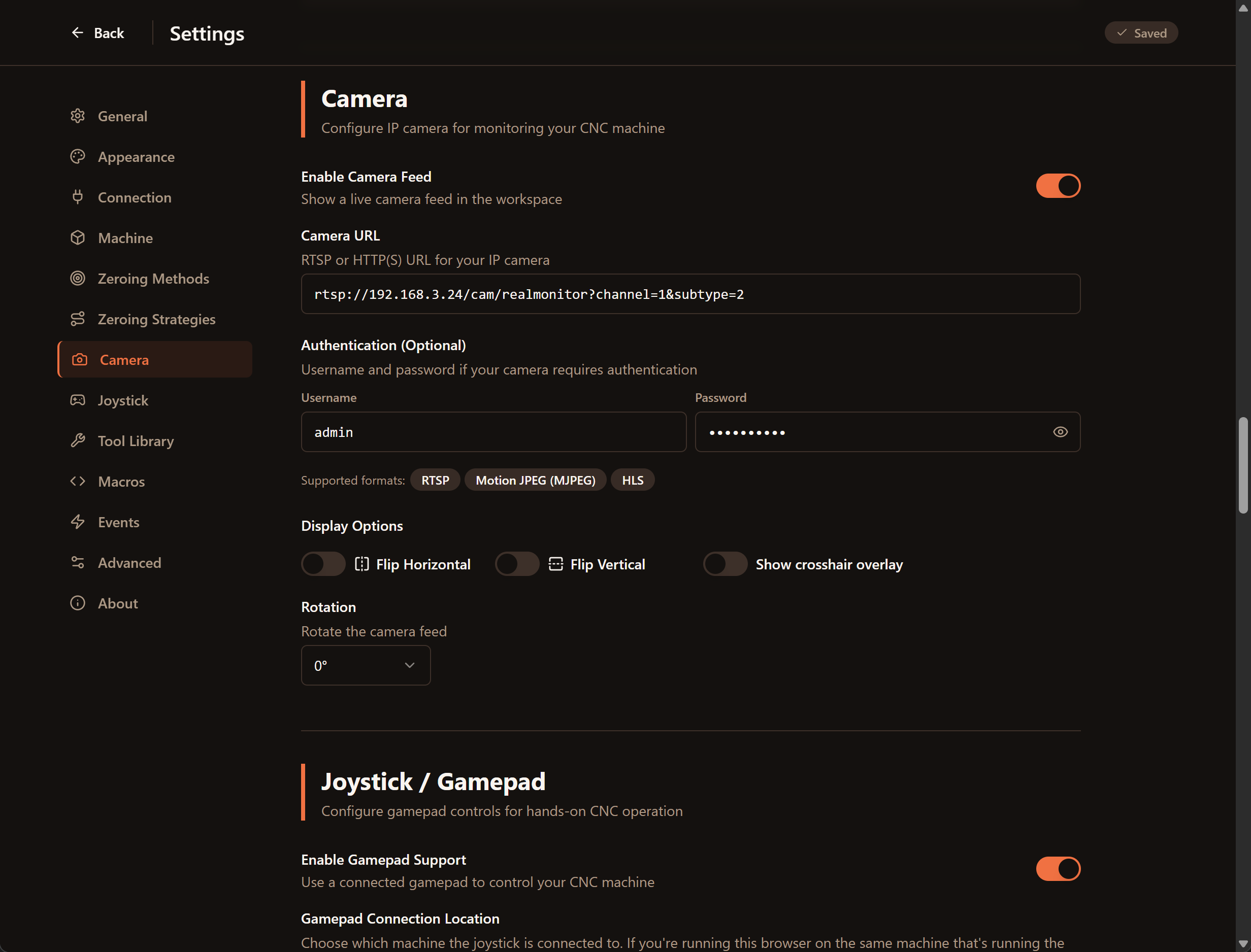
Camera feed

Monitor your machine remotely

3D toolpath visualization

See your job before you run it

Multiple zeroing strategies

Touch plate and edge finder support

Light and dark themes

Comfortable for long sessions

Task-focused interface

Different views for setup, running, and results

Works with Grbl, Marlin, Smoothie, TinyG

All major controller types supported

Download

Available for Linux, Windows, and Raspberry Pi

Easy installation on all platforms

🐧

Linux

.deb packages and AppImages

🪟

Windows

Installer package

🍓

Raspberry Pi

Headless server or desktop

Installation instructions available in the documentation

How AxioCNC Started

I began with Carbide Motion, but it didn't take long to run into its limits. I switched to cncjs and used it for years. It was reliable, but there were things about it that always bothered me: no native joystick support, a UI that made it easy to hit the wrong button on a touchscreen (I've crashed my machine more than once because Z-down is right next to X+), and, most importantly, it wasn't really being maintained anymore.

So I started looking for something better.

UGS was my first stop, but the Java app was unstable on Windows. It crashed repeatedly just while I was setting it up. I never trusted it enough to run a real job.

gSender looked promising. The UI is solid and it's actively developed, but on my first project it lost Z calibration mid-cut and drove the bit into the work. That was a deal breaker.

ioSender worked, but it was slow and the interface felt cluttered.

In the end I went back to cncjs with the intention of fixing what bothered me. When I realized fixes weren't really being accepted upstream, I forked it. What started as a few small changes has grown into something that now looks and behaves like a different application.

My focus has been on two things: keeping the stability cncjs is known for, and improving how it actually feels to use the software in a shop.

AxioCNC is built around real workflows. You can model and upload jobs from your main computer, run setup and cutting from the shop, and keep an eye on progress from somewhere quieter if you want. The interface is simpler, with a lot of half-finished or rarely used features removed, but it adds things I actually missed: native joystick support, continuous analog jogging in both the UI and on a controller, built-in camera support, a tool library, a modern 3D view with project outlines and zeroing aids, light and dark themes, and a task-based dashboard that helps you focus on what matters during setup, cutting, and review.

A Thank You

A huge thank you to everyone who worked on cncjs. I hope to carry on the legacy by bringing it into the modern workflow for both hobbyists and small businesses.

AxioCNC is built on their foundation of reliability and excellence. We stand on the shoulders of giants.